Vector Studio Private by default · Local processing
Raster in. Real vectors out.

Turn pixels into artwork you can actually edit.

Clean paths, flexible color palettes, precise background removal, and no arbitrary 24-color ceiling.

Drop an image here or choose PNG, JPEG, WebP, or SVG · Paste also works

Your image stays in this browser. No upload leaves your device.

Raster
Vector
True SVGEditable paths, not embedded pixels
Unlimited paletteQuality budgets instead of color caps
Four enginesFlat, photo, line art, and geometric
Real-world examples

From everyday images to useful, editable assets.

Turn the graphics your team already has into clean vectors, then add text, shapes, or another image—all in the same private, local workspace.

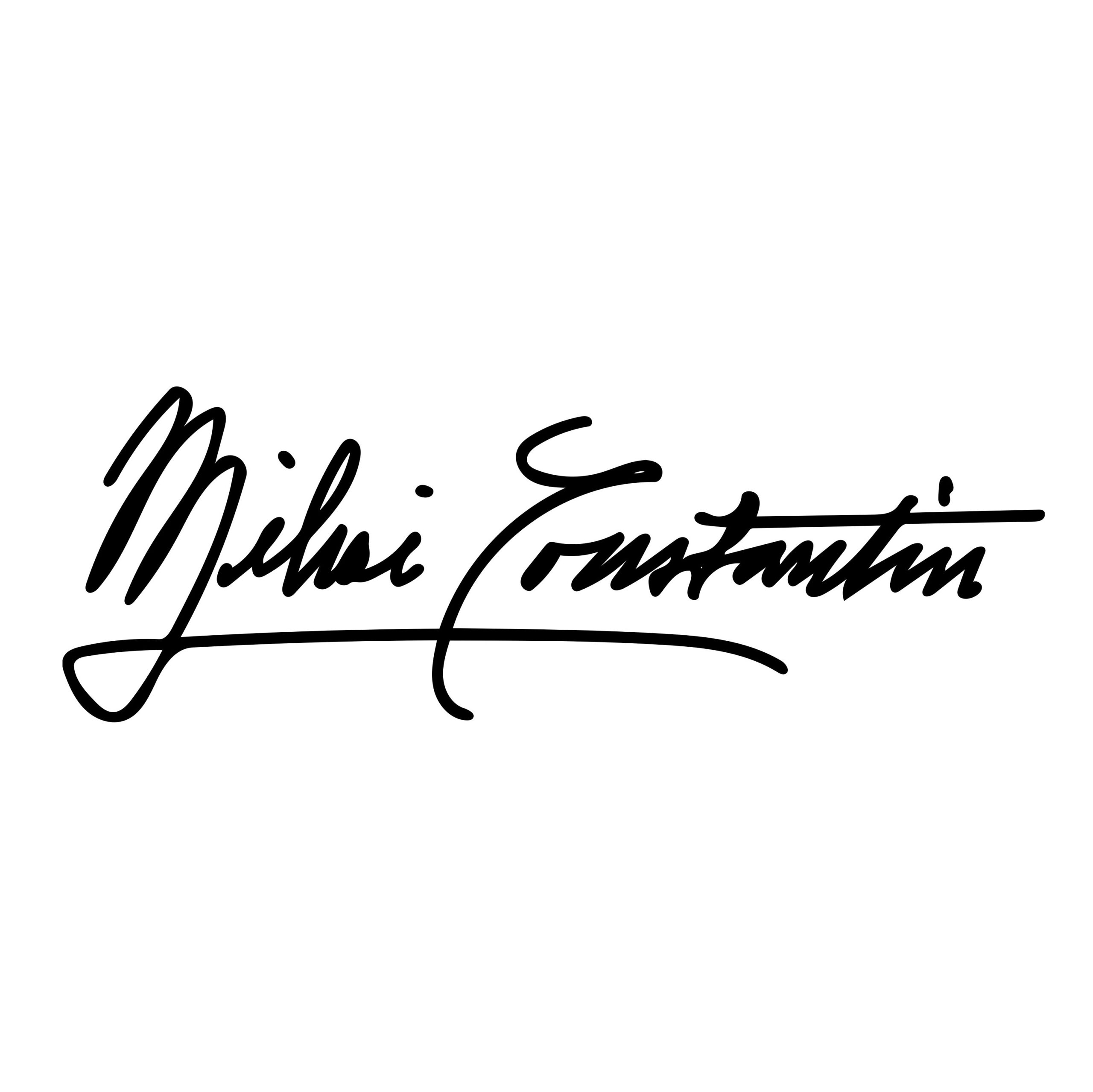
01 · Handwritten signature

Photograph it. Vectorize it. Use it anywhere.

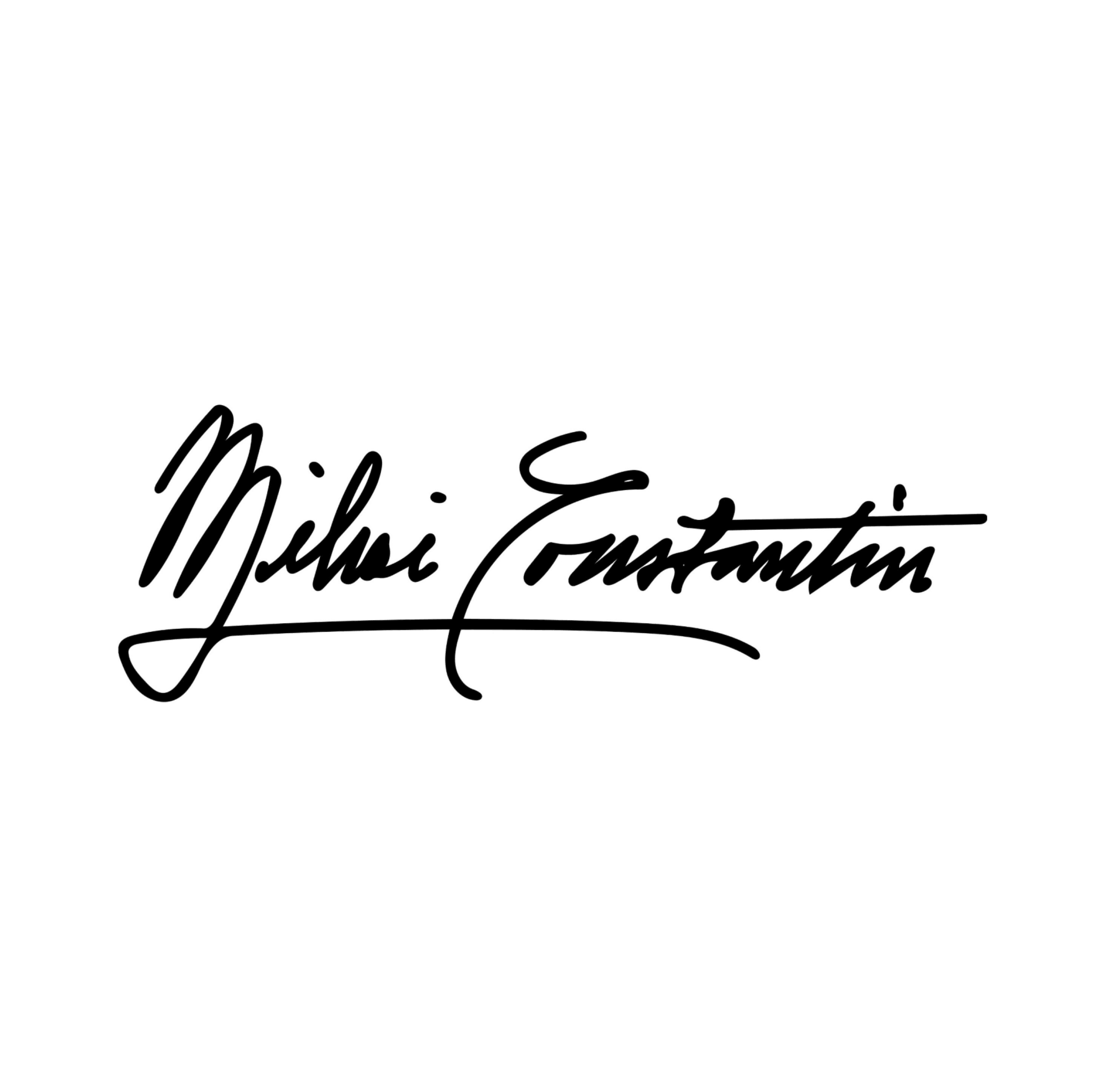
Write your signature on plain paper and take a clear photo. Choose Line Art, remove the white background, and export a transparent SVG that stays sharp in email signatures, documents, and presentations.

  1. Photograph or scanA phone photo on white paper is enough.
  2. Vectorize locallyYour signature stays on your device.
  3. Export and reuseScale it without blur or a white box.
Only digitize a signature you own or are authorized to use.
Photo
A photographed handwritten signature on white paper
Ready to use
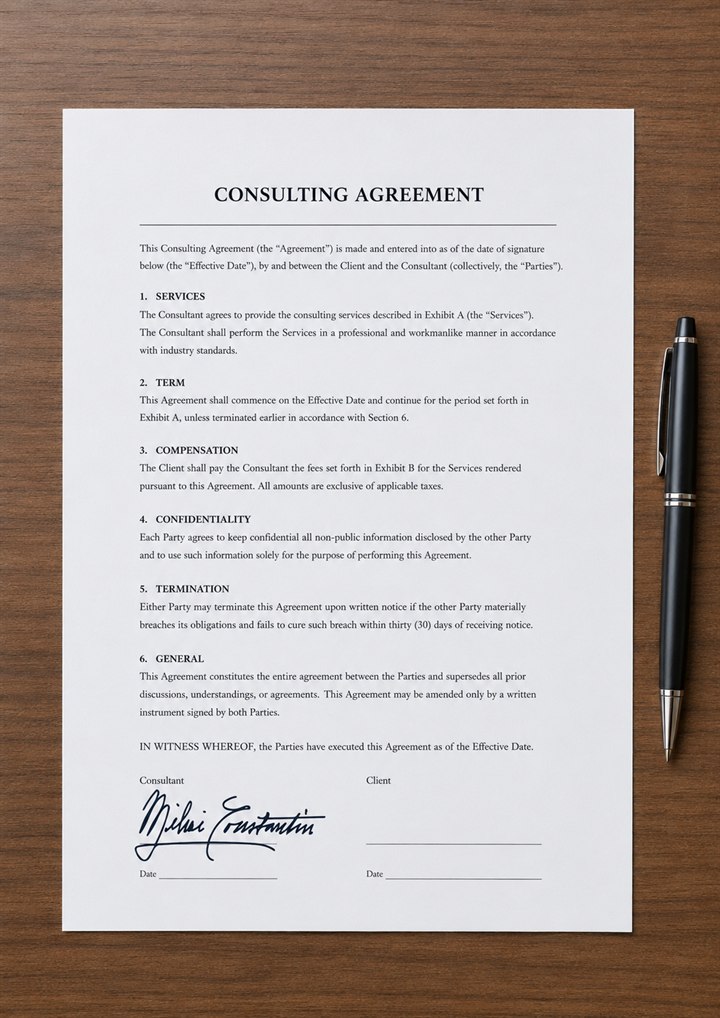
Approval document
Authorized signature The same handwritten signature as a clean vector Date
02 · Company logo

A crisp logo for every email

Convert the small PNG from an old brand folder into an SVG for employee email footers, proposals, and internal templates.

03 · Presentation icons

Change the color to match any deck

Vectorize an icon once, then adjust its fill to your brand or campaign palette and resize it without soft edges.

Try it with your image
Artwork setup

Settings

Canvas size

Add free space around the artwork or enter an exact canvas size.

Canvas appearance

Non-destructive until applied

Crop source image

Source size

Pinned current revision

Export artwork

Format
True vector paths 0 colors 0 nodes